Meet MID Insights: A New Way to Monitor Your Merchant IDs


October 2, 2026

When you're running real-time payment applications, whether you're powering card-linked loyalty offers, instant rewards or transaction monitoring, knowing exactly where a transaction took place is critical.
A Merchant Identifier (MID) is a key identifier used within the payment ecosystem to associate transactions with a merchant. For teams managing thousands of physical retail locations, keeping onboarded MIDs accurate and up to date is essential for reliable transaction matching and program performance.
Historically, checking whether a merchant location was active, correctly assigned or receiving transaction activity could mean working through daily spreadsheet exports or relying on customer support and operations teams for custom reports. That makes it harder to quickly identify issues, verify new locations and confidently scale your program.
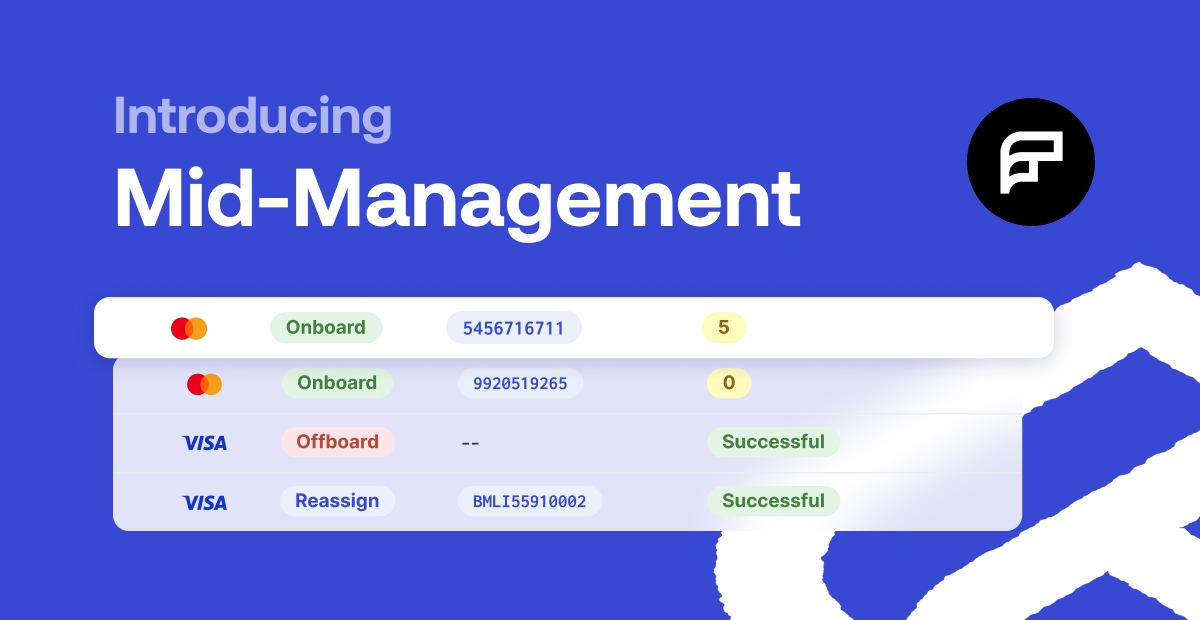
That’s why we’re excited to announce that MID Insights is now live, a dedicated, self-service diagnostic console built directly into your Fidel API Dashboard. Designed for your product, operations and support teams, MID Insights brings centralised visibility into the health, origin and transaction activity of your onboarded merchant identifiers across Visa, Mastercard and American Express.
Why Visibility Into Your MIDs Matters
Managing merchant identifiers isn't just a technical task. Having clear, accessible information about your MIDs can help teams maintain program accuracy, investigate issues faster and bring new merchant locations online with greater confidence.
- Protect Brand & Offer Integrity: Quickly verify that each onboarded MID corresponds to the intended merchant and location, helping teams identify potential mismatches before they affect live offers or transaction matching.
- Accelerate Go-To-Market: When expanding into new regions or adding new merchant locations, teams can quickly check the status and activity of onboarded MIDs without waiting for manual reports.
- Reduce Operational Overhead: Give product, operations and support teams a shared view of merchant data so they can investigate common MID questions without relying on custom reporting workflows.
What You Can Do with MID Insights
Located in your dashboard sidebar under Merchant IDs > Insights, the new console gives your team a single workspace to search, investigate and monitor your merchant or just use our API Endpoint: GET /programs/{programId}/mid-insights | API Reference.
1. See Your Entire Merchant Footprint in One Place
The Insights grid gives your team a centralised view of your merchant identifiers. Search and filter your merchant list by card network, lifecycle status (Onboarded, Offboarded, Sourced), brand, location or origin type, such as automated address matches, batch client uploads or missing transaction lookups.
Instead of working across spreadsheets or requesting custom reports, teams can quickly find the MIDs they need and investigate their current status.
2. Inspect Network-Specific Merchant Identifiers
Because each card network can expose different identifiers for the same merchant relationship, MID Insights brings network-specific details together in one place. This makes it easier to verify the operational origins of a merchant without switching between systems.
- Visa: Audit Visa Merchant IDs (vmid), Visa Store IDs (vsid), acquiring MIDs and BIN metadata.
- Mastercard: Inspect acquiring MIDs and Mastercard Location IDs (mcLocationId).
- American Express: View network-specific Service Establishment Numbers (seNumber).
3. Investigate Individual MIDs in One Click
Need more context on a specific merchant identifier? Click any record to open a comprehensive detail drawer with the information your team needs to investigate it.
Review official network descriptors, such as Visa Store Names or Mastercard DBA names, alongside verified store address metadata. You can also view a timeline showing when the MID was Sourced, Created and Onboarded on the network.
4. Check Transaction Activity and Health
Knowing whether an identifier has observed transaction activity can help teams verify merchant readiness and investigate unexpected gaps.
The diagnostic ledger surfaces the current transaction status:
- Pending: The merchant has authorised live transactions awaiting financial settlement.
- Cleared: The full financial settlement loop is verified and complete.
- Untested (--): Indicates that no transaction activity has been observed for the MID, helping operations teams identify identifiers that may need further verification before launch.
Together, these signals give teams another way to validate merchant activity and identify MIDs that may require investigation.
Start Exploring MID Insights
If your program has access to MID Insights, you can start exploring today by logging into your Fidel API Dashboard and selecting Merchant IDs > Insights in the navigation menu.
- Read the Documentation: Explore our updated user guides and API documentation to learn more about dynamic card network descriptors, endpoint integrations and lifecycle state definitions.
- Get in Touch: Have questions about enabling MID Insights for your team? Contact your dedicated Customer Success Manager or reach out to our team at support@fidel.uk.
New to Fidel API? Discover how our card-linking infrastructure enables real-time payment experiences across major card networks. Speak with our team or explore our documentation today.